Three ways in
Paste a live website URL, pick a suggested common task, or describe anything in plain words. Pages are fetched with a guard that refuses private and loopback addresses.
AI feasibility, with receipts
Drop in a website URL or describe a task. augur asks the model you choose for a confidence-rated verdict and three concrete implementation plans — and tells you what the analysis itself cost, when the provider reports it.
Estimated cost $40–120 / month at expected usage
What it does
Useful for scoping automation work and getting a first plan on paper — not for skipping the build.
Paste a live website URL, pick a suggested common task, or describe anything in plain words. Pages are fetched with a guard that refuses private and loopback addresses.
“Yes, AI can do this” or “Partially automatable”, with a 0–100 confidence score instead of a shrug.
Each names the tools and services involved and an estimated monthly cost range. Expand any plan — or all three — for the full setup steps.
Shows the tokens the provider reported and a cost estimated from list prices. When usage or a price is missing, it says so rather than guessing.
Anthropic, OpenAI, open models through OpenRouter, local models via Ollama or LM Studio, or any OpenAI-compatible endpoint — picked per analysis.
Rate any plan with a thumbs up or down and a note; it's stored with the plan. The interface speaks twelve languages, in light or dark.
Bring your own key
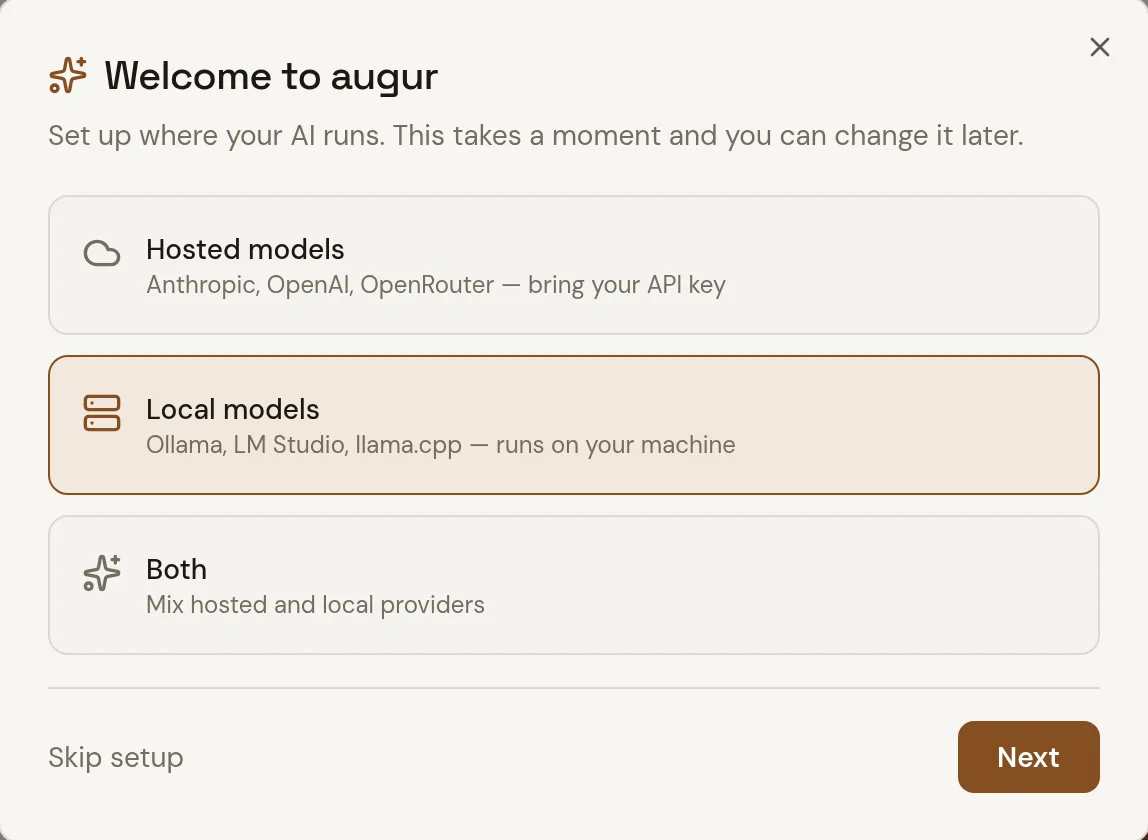
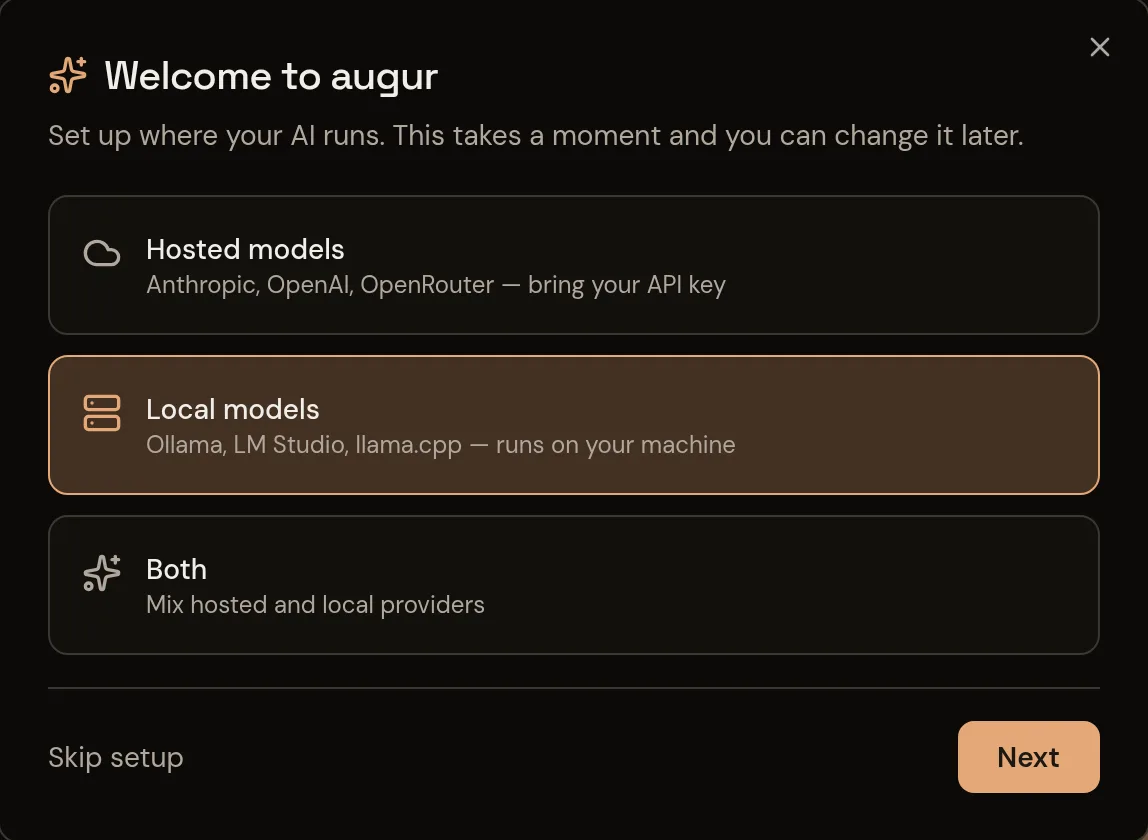
A first-run wizard asks whether you'll use hosted models, local ones, or both. Server-side keys are optional.
Current limits
An initial answer from one model, written down so you can check it — not a guarantee that the workflow will work.
Each analysis runs on the single model you select. It doesn't compare providers side by side or pick the best one for you.
Generated plans and their monthly cost ranges are estimates. Nothing validates a plan against a deployed workflow.
Analyses are kept in a single local store. Optional sign-in doesn't partition data by user, so don't put sensitive tasks into a shared deployment.
Run it
There's no hosted augur yet. It runs locally with Node — the server and the app share a single port.
npm install
cp .env.example .env   # every provider key is optional
npm run dev            # open http://localhost:5000
Needs Node.js 22 or newer. Add a model in the setup wizard, or put a key in .env. docker compose up --build works too.